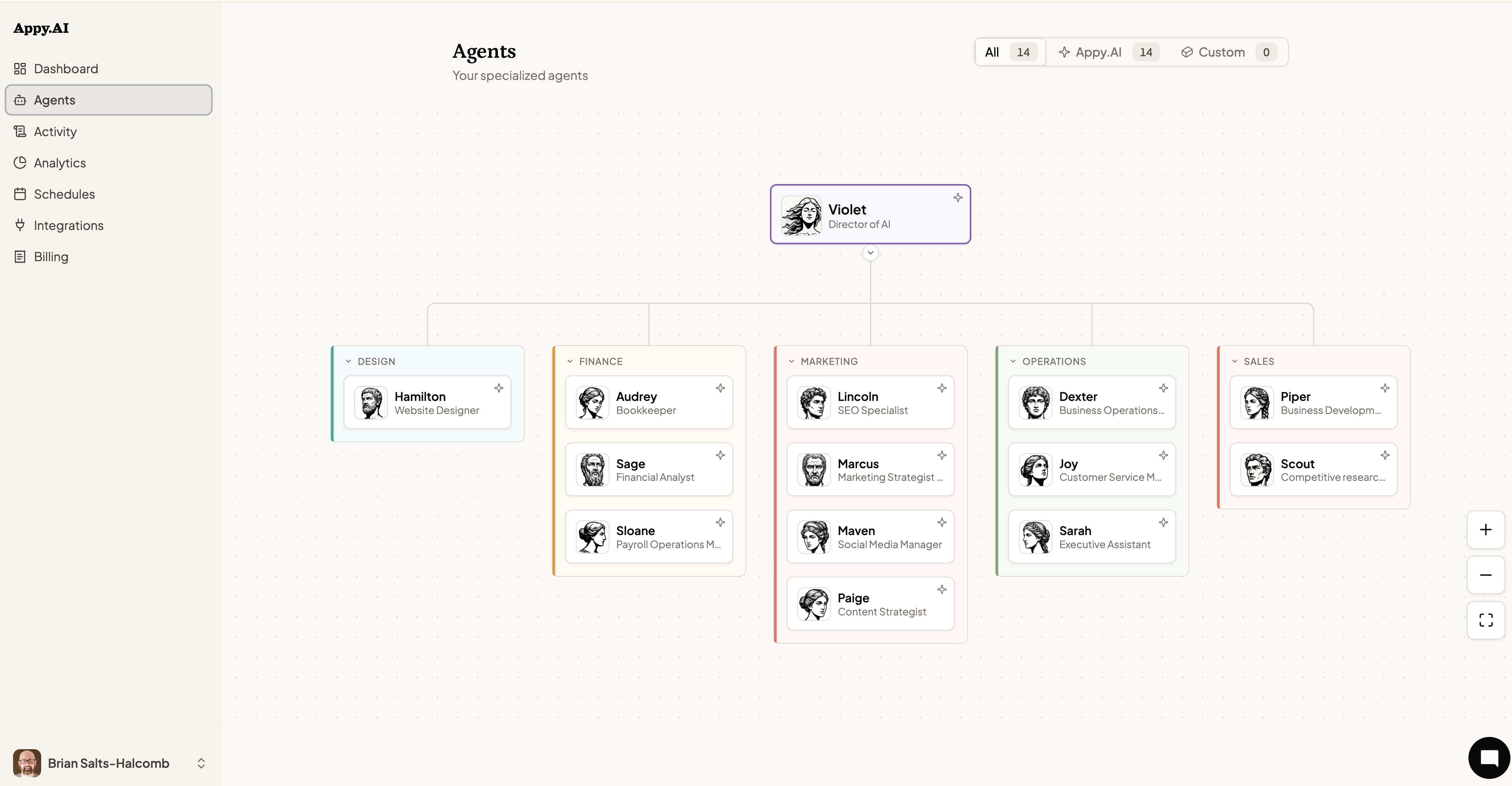
The Agents page shows every agent on your team — who they are, what they do, and how they relate to each other. It’s your org chart.
Your AI org chart
Violet sits at the top as Director of AI, coordinating the entire team. Below her, agents are grouped by department, with each department rendered as its own labeled grouping box on the canvas.
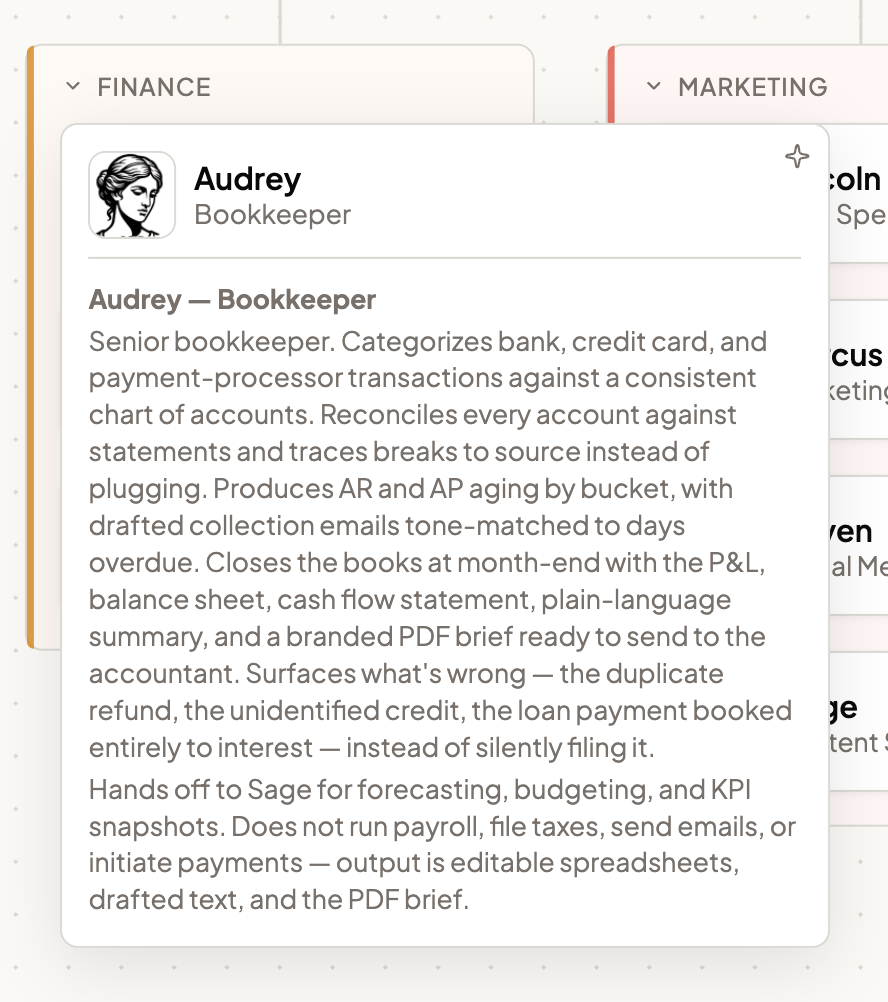
Click any agent card to expand it in place and reveal its description — click elsewhere on the canvas, or expand a different card, to collapse it again. Only one card expands at a time.
Click a department’s label to collapse the whole group down to a header showing just the agent count, useful for focusing on one part of the chart at a time. Any parent node with agents reporting to it shows the same collapse toggle for its children.
Use the + and − controls at the bottom-right of the org chart to zoom in and out. The fullscreen button expands the chart for easier navigation on large teams.
Filtering your team
At the top of the page, filter between:
- All — Every agent, including custom ones you’ve created.
- Appy.AI — The pre-built specialist agents that come with your account.
- Custom — Agents you’ve hired yourself for roles specific to your business.
Adding a new agent
To hire a custom agent, chat with Appy.ai via Slack or Teams.
Want to shape how an existing agent behaves? See Customizing Your Team for instructions, knowledge, and behavior settings.