Get Appy.AI running where your team already works.
Appy.AI lives inside Slack and Microsoft Teams — so your team gets a full AI workforce without switching to a new tool.When you sign up, create your account using your Microsoft or Slack login. You’ll have access immediately.
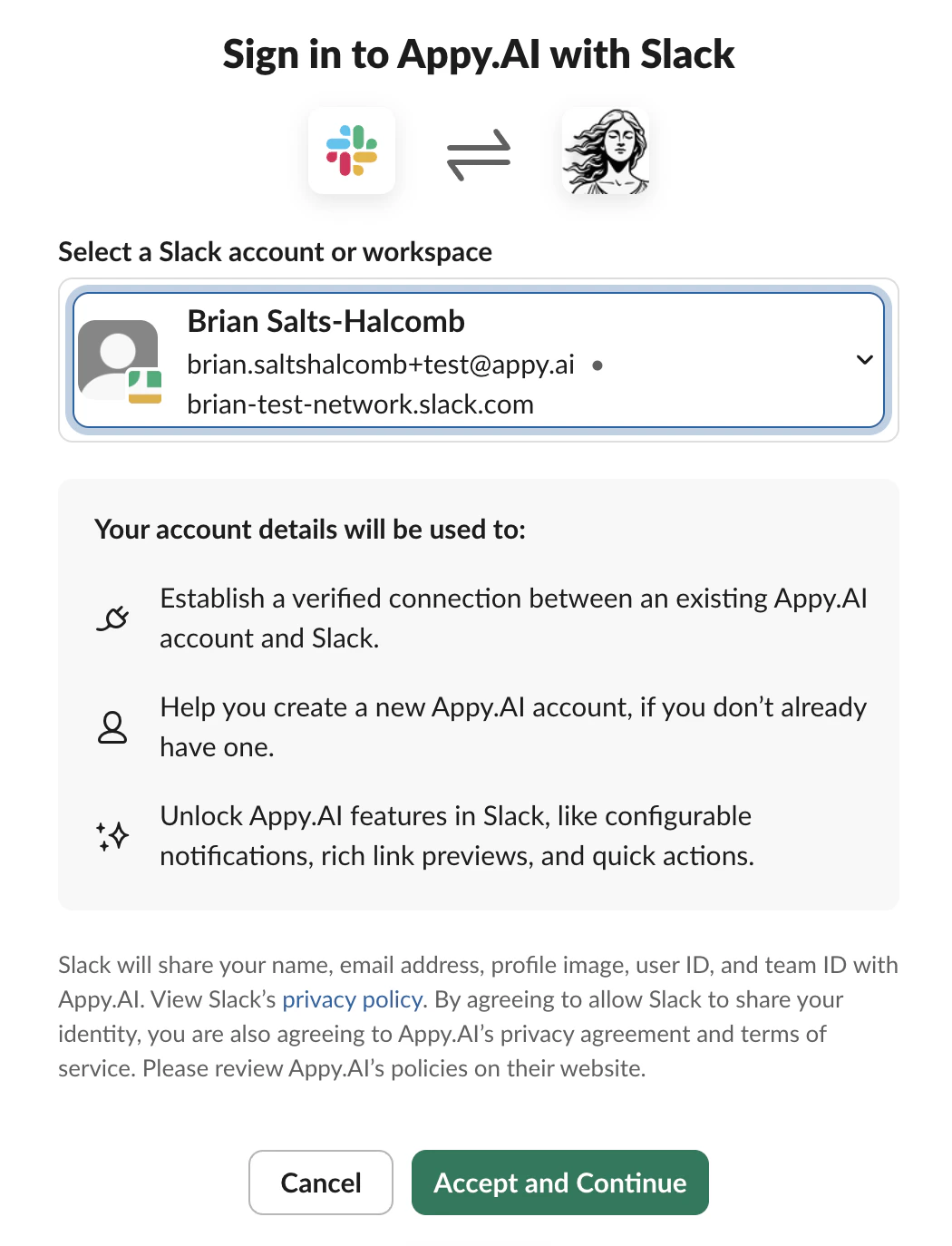
Appy.AI installs in your Slack workspace as an app. Once it’s there, message it like any other teammate.To get started, sign up via Slack. Authorize the app to access your workspace, and you’re ready to go.
Open a direct message with Appy.AI and start telling Violet what you need. No commands to memorize, no special syntax — just describe your goal like you would to a colleague.
Use -- or the word aside in a thread to have Appy.AI ignore a message. Useful when you want to talk with teammates in a shared channel without Violet jumping in.Example: aside @steve are you following this conversation with Appy?
Appy.AI works inside Microsoft Teams as a custom app. Once installed, your team can message AI agents without leaving Teams.Setup requires a Microsoft global administrator to upload the app and grant permissions — about 10 minutes total.
Connect Microsoft Teams
Step-by-step guide to installing and connecting the Appy.AI app in your Teams workspace.
Every agent also has its own email address, so email works as a third channel alongside Slack and Teams — send it a message and the agent gets to work.Find the address and manage who’s allowed to send to it under your avatar → Settings → Email. See Profile & Settings for the full setup, including the sender allowlist.
Once Appy.AI is installed in Slack or Teams, it’s available to everyone in your organization. (Microsoft Teams lets you restrict access via app permissions if needed.)
Add Appy.AI to a shared channel for team-wide use, or let team members find it in Apps to start their own direct message.
Was this page helpful?
Assistant
Responses are generated using AI and may contain mistakes.