User Initiated
 This is the default trigger that lets customers manually start conversations or tasks with your agent. Perfect for chat-based agents where users come with questions or need help with something specific.
Most agents use this trigger since it allows for natural back-and-forth conversations whenever users need assistance.
This is the default trigger that lets customers manually start conversations or tasks with your agent. Perfect for chat-based agents where users come with questions or need help with something specific.
Most agents use this trigger since it allows for natural back-and-forth conversations whenever users need assistance.
Recurring Schedule
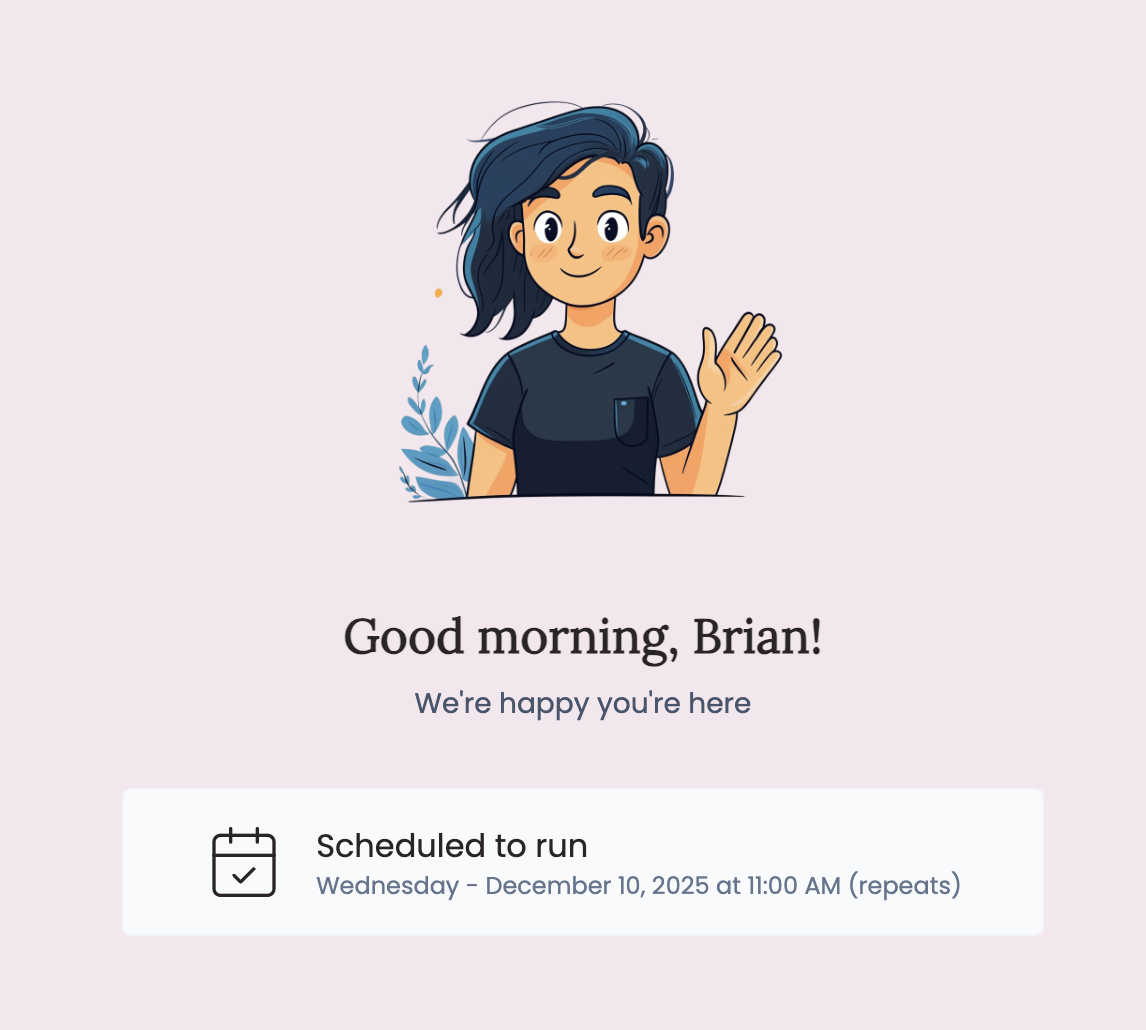 Set your agent to run automatically at regular intervals - perfect for ongoing tasks like monitoring, reporting, or routine maintenance.
Use Case Example: A news summarization agent that runs every morning to compile and send daily industry updates.
Set your agent to run automatically at regular intervals - perfect for ongoing tasks like monitoring, reporting, or routine maintenance.
Use Case Example: A news summarization agent that runs every morning to compile and send daily industry updates.
Schedule Options
- Date & Time: Choose when to start the recurring schedule
- Frequency: Daily, weekly, or monthly execution
- Timezone: Automatically uses your account timezone (MDT shown in example)
HTTP/Webhook
Let external tools and automations trigger your agent by sending an HTTP POST request. Perfect for connecting your agent to workflows in other tools, or custom scripts — so your agent can kick off automatically when something happens in another system.
Use Case Example: A lead qualification agent that runs automatically whenever a new contact is added to your CRM.
Webhook Options
- Default Task: Set a fallback instruction for your agent when no task is included in the request body. Each subscriber can override this in their own requests.
- Webhook URL: Each subscriber gets their own unique URL, found in their agent preferences. You’ll also get a testing URL in the Triggers panel after saving and publishing.
- Test Trigger: Send a test request to verify your webhook is working.
- Rotate Token: Subscribers can regenerate their webhook URL if needed for security.
Email Triggers
Email triggers are temporarily unavailable. We plan to have these available again soon.
samuraize-4elX2z@mail.appypeople.ai). You can share this with clients or use it in automated workflows.
Use Case Example: A content summarization agent that automatically processes and responds to articles or documents sent via email.
Combining Triggers
You can enable multiple triggers for the same agent. For example, a reporting agent might run automatically every week but also allow users to manually request reports when needed.
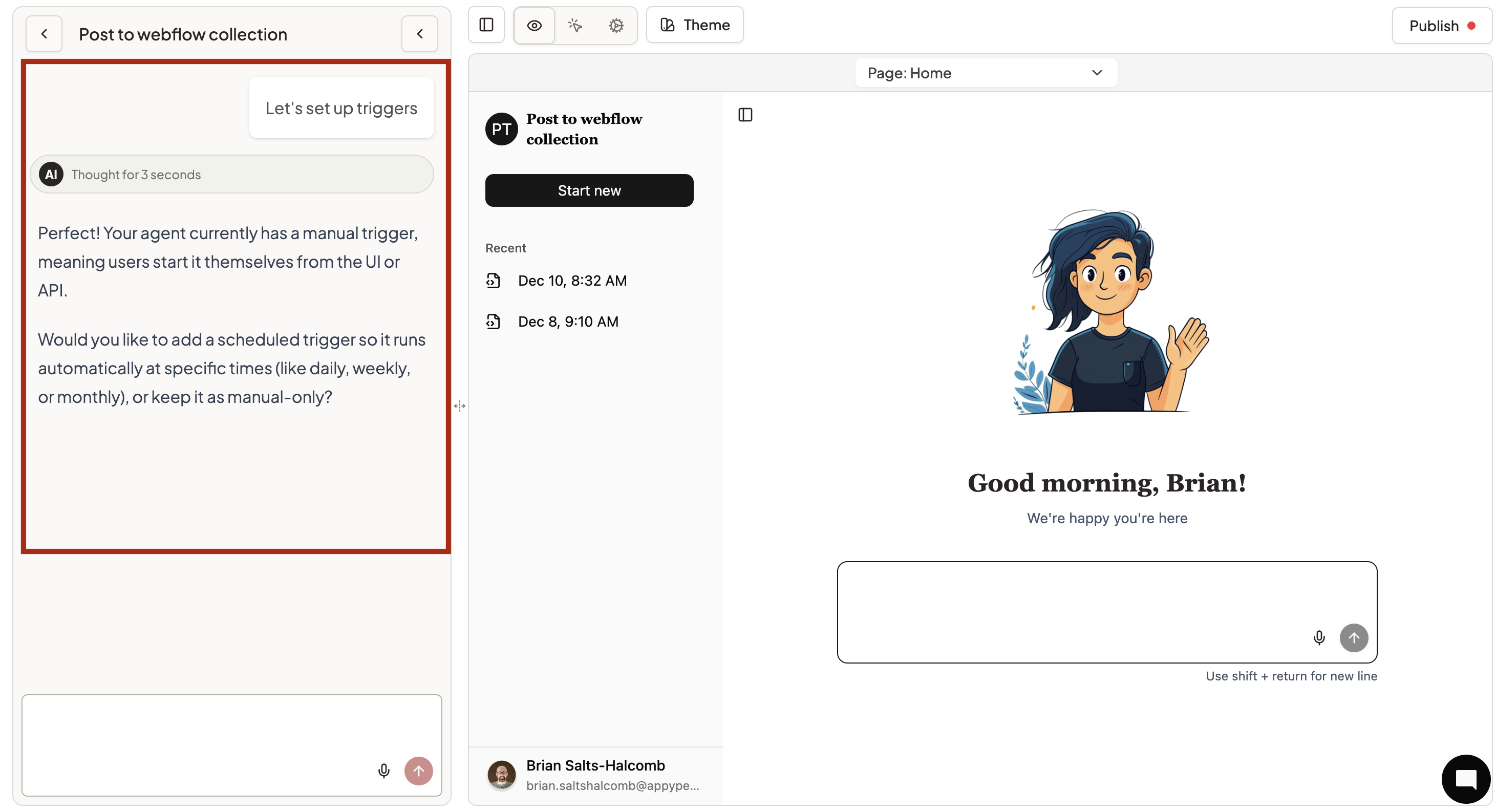 Ask Violet to set up your triggers in natural conversation:
- “I want my agent to send a daily report every morning at 8am”
- “Enable user chat and also run a weekly summary on Mondays”
- “Change my daily schedule to 6am instead of 8am”
Violet handles the configuration automatically and confirms changes with you.
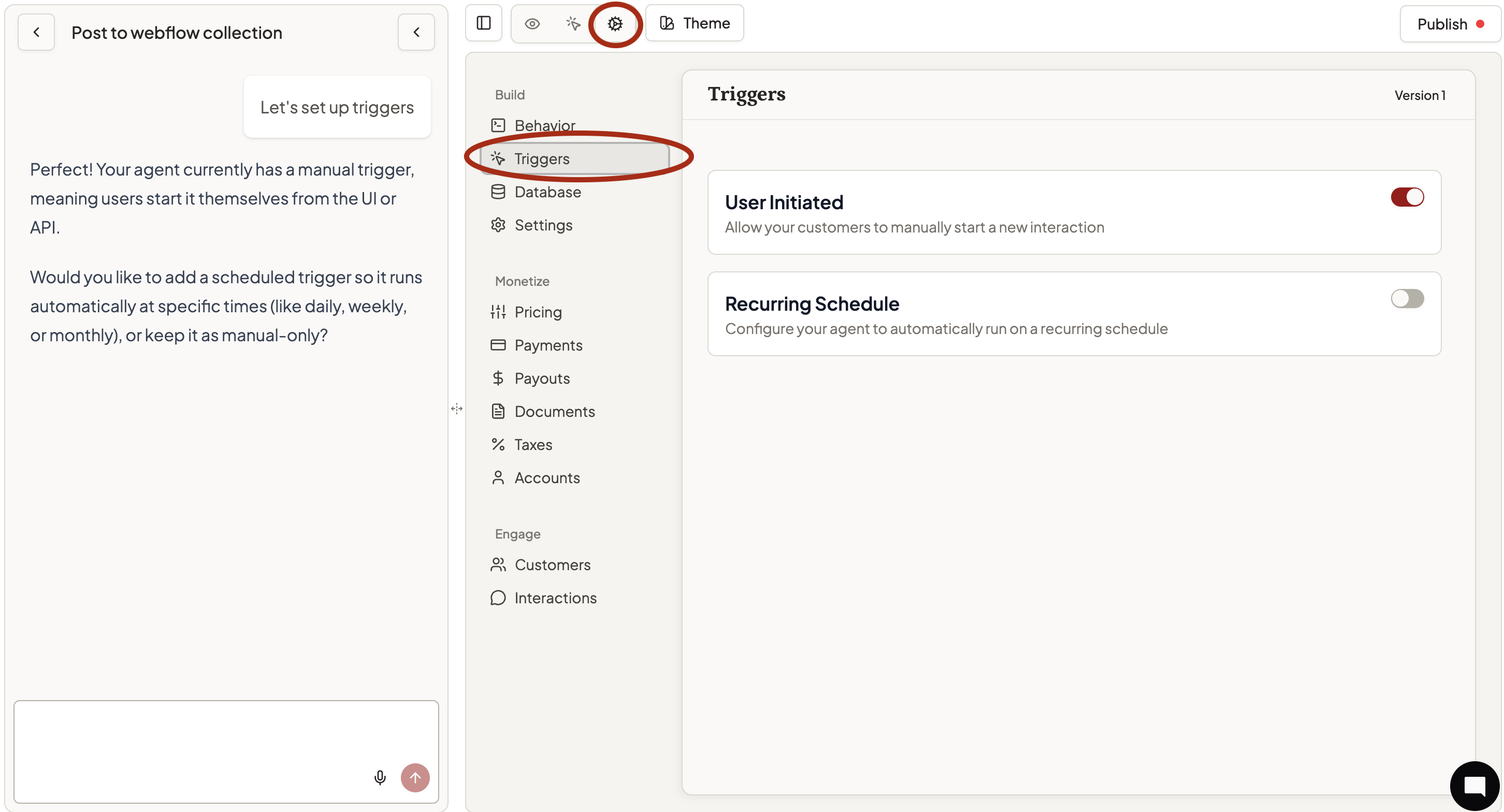 Access trigger settings directly through Triggers:
- Toggle desired trigger types on/off
- For recurring schedules, set date, time, and frequency
- Copy email addresses for email triggers (when available)
- Save your changes
Getting Started
- Most agents start with User Initiated for basic chat functionality
- Add Recurring Schedule for routine tasks that need to happen regularly
- Test with Preview to verify trigger behavior works as expected
Choose the triggers that match how your customers want to interact with your expertise!

