> ## Documentation Index
> Fetch the complete documentation index at: https://help.appy.ai/llms.txt
> Use this file to discover all available pages before exploring further.
# Agents
The Agents page shows every agent on your team — who they are, what they do, and how they relate to each other. It's your org chart.
## Your AI org chart
Violet sits at the top as Director of AI, coordinating the entire team. Below her, agents are grouped by department.
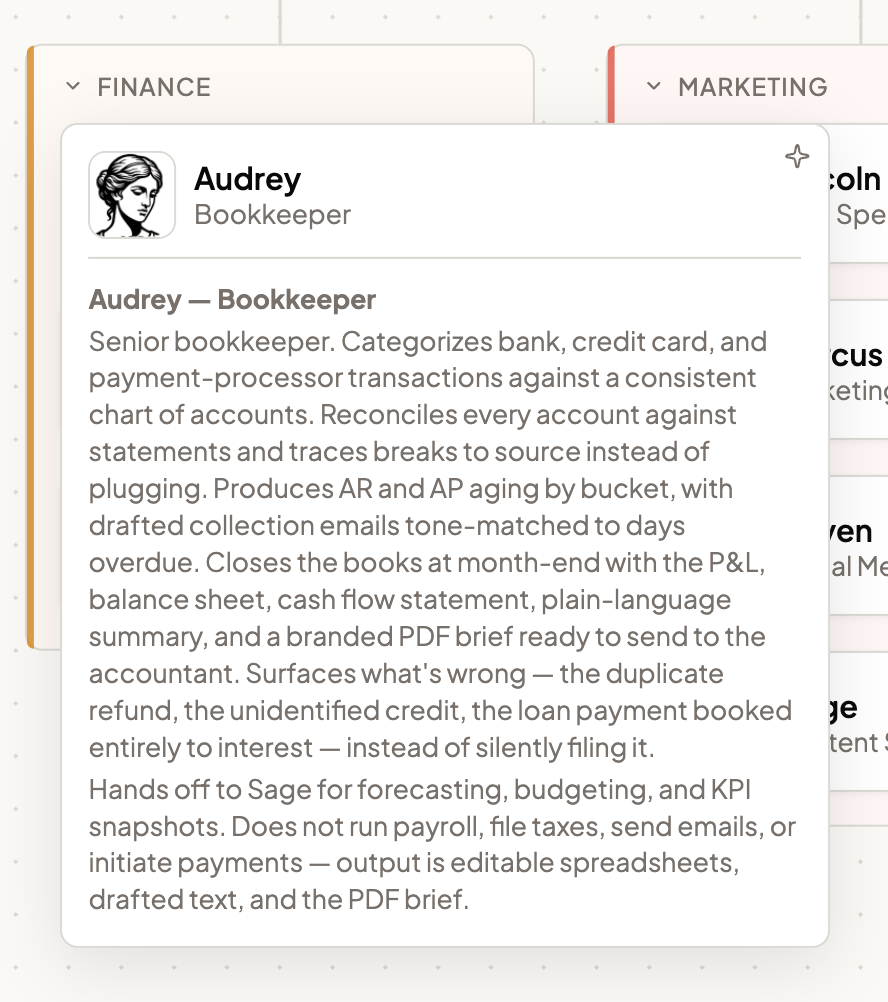
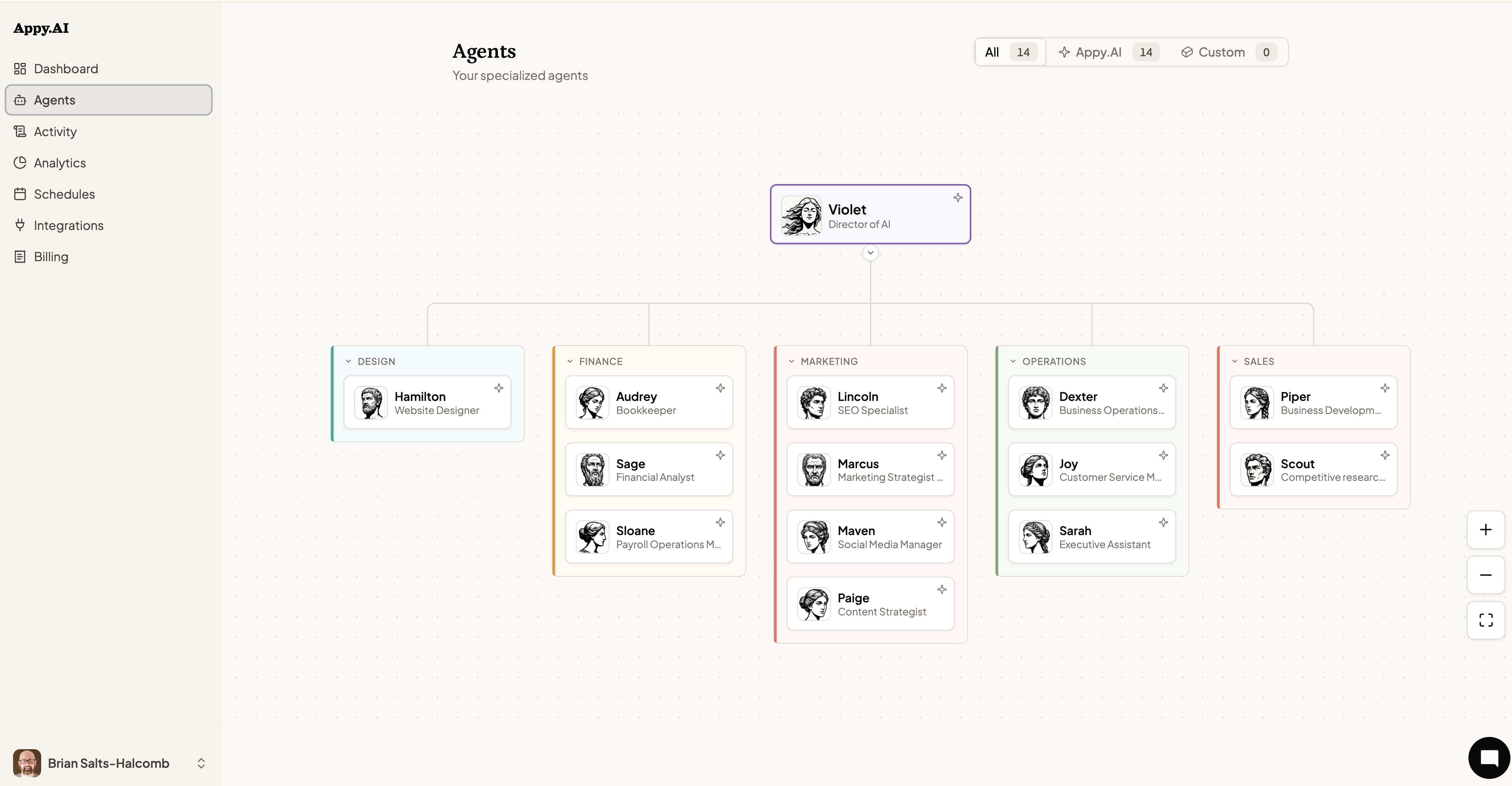 Click on an agent to understand their skills
 Use the **+** and **−** controls at the bottom-right of the org chart to zoom in and out. The fullscreen button expands the chart for easier navigation on large teams.
## Filtering your team
At the top of the page, filter between:
* **All** — Every agent, including custom ones you've created.
* **Appy.AI** — The pre-built specialist agents that come with your account.
* **Custom** — Agents you've hired yourself for roles specific to your business.
## Adding a new agent
To hire a custom agent, chat with Appy.ai via Slack or Teams
Want to shape how an existing agent behaves? See [Customizing Your Team](/your-ai-team/customizing-your-team) for instructions, knowledge, and behavior settings.
Use the **+** and **−** controls at the bottom-right of the org chart to zoom in and out. The fullscreen button expands the chart for easier navigation on large teams.
## Filtering your team
At the top of the page, filter between:
* **All** — Every agent, including custom ones you've created.
* **Appy.AI** — The pre-built specialist agents that come with your account.
* **Custom** — Agents you've hired yourself for roles specific to your business.
## Adding a new agent
To hire a custom agent, chat with Appy.ai via Slack or Teams
Want to shape how an existing agent behaves? See [Customizing Your Team](/your-ai-team/customizing-your-team) for instructions, knowledge, and behavior settings.